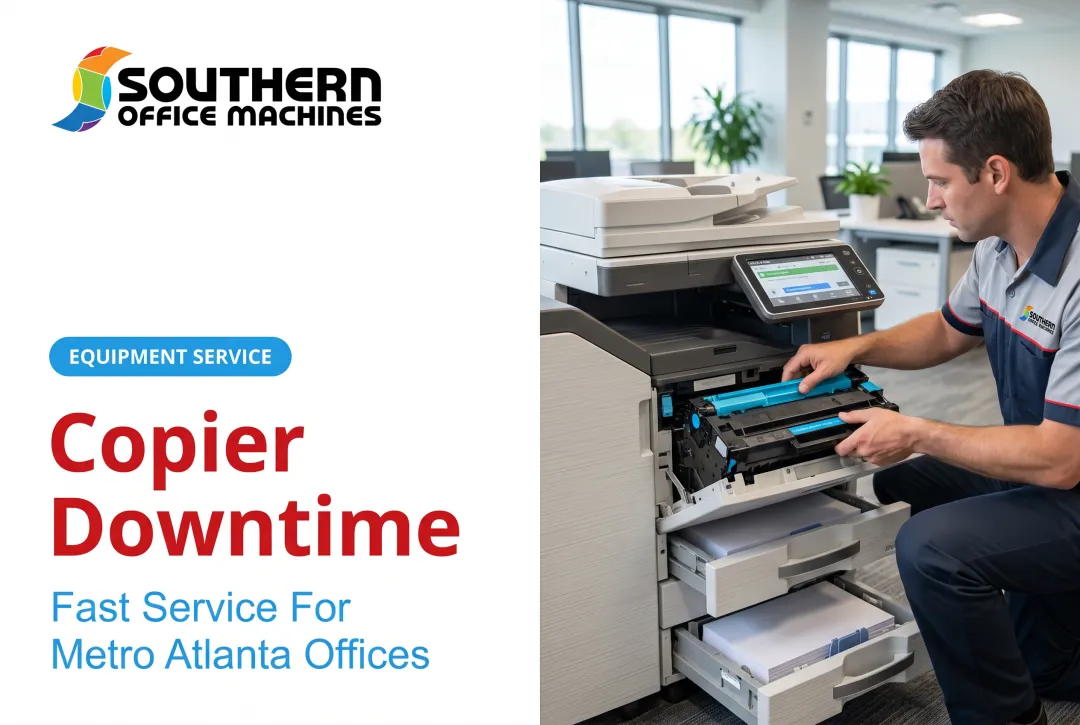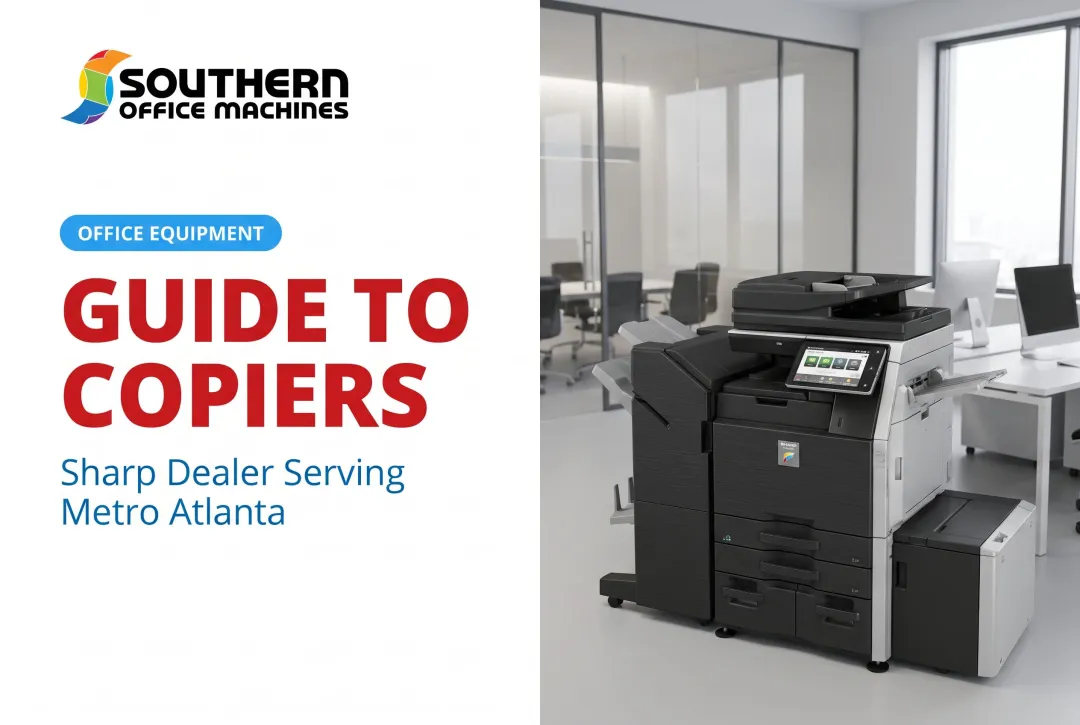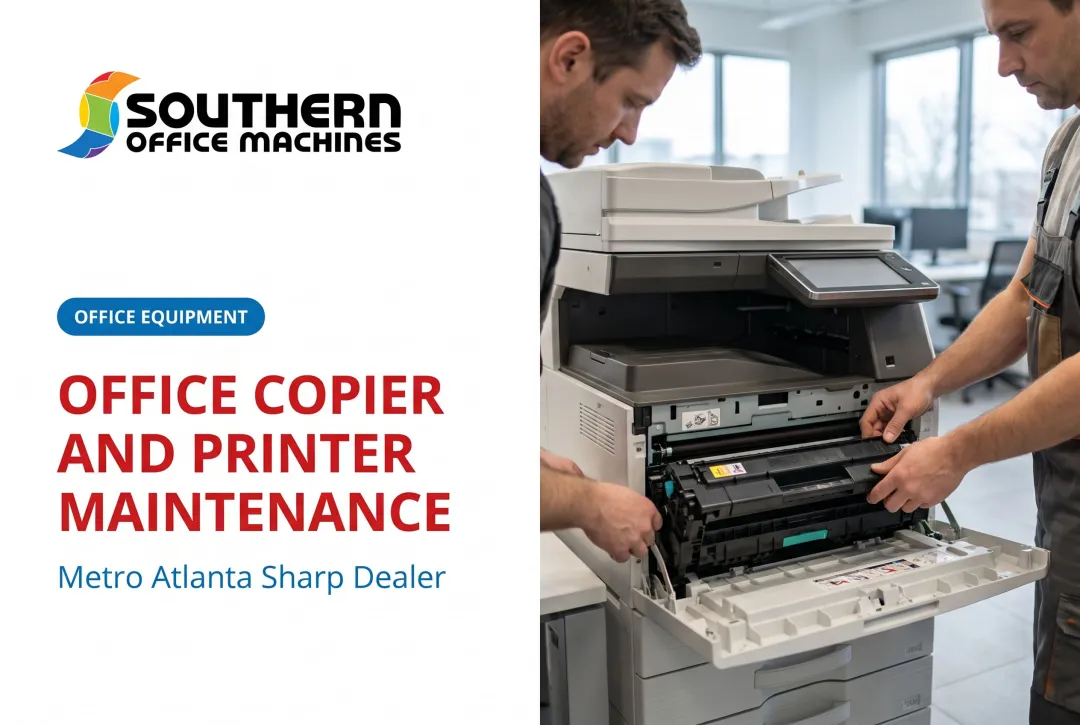
Most businesses don't think about office equipment maintenance until this happens. A machine breaks, work stalls, and everyone scrambles for a fix. That reactive pattern costs more than most teams realize, in both dollars and lost momentum.
This guide breaks down what office equipment maintenance actually involves, why it matters more than most businesses assume, and the three maintenance types every office should understand. We'll also cover what you can handle in-house versus when it's time to call a professional.
Key Takeaways
- Office equipment maintenance keeps copiers, printers, and MFPs running reliably.
- Three main approaches exist: preventive, corrective, and predictive maintenance.
- Consistent upkeep reduces downtime, stretches equipment lifespan, and cuts long-term repair costs.
- A factory-trained service partner simplifies maintenance and protects your equipment investment.
What Is Office Equipment Maintenance?
Office equipment maintenance is the scheduled and as-needed care of the machines your business relies on daily. Think copiers, printers, multifunction printers (MFPs), fax machines, scanners, and shredders.
This work covers several distinct tasks:
- Cleaning internal components, rollers, and glass surfaces
- Calibration to keep print quality and color accuracy consistent
- Parts replacement for components that wear down with use
- Firmware and software updates to patch bugs and security gaps
- Inspections to catch small problems before they become expensive ones
Someone on your staff can handle some of this. Other tasks require a specialized service provider with manufacturer training.
Office equipment maintenance is not the same as facility maintenance. HVAC systems, plumbing, and electrical wiring fall under a different umbrella entirely.
Common Office Equipment That Requires Regular Maintenance
Not every machine in your office needs the same level of attention. Typical equipment requiring upkeep includes:
- Copiers (standalone and multifunction)
- Laser printers
- Multifunction printers (MFPs)
- Fax machines
- Document scanners
- Shredders
A high-volume office copier running thousands of pages a week needs far more frequent service than a fax machine that sees occasional use. Maintenance frequency should track usage volume, not a generic calendar.
Why Office Equipment Maintenance Matters
Skipping maintenance feels harmless right up until it isn't. Here's what's actually at stake.
Reliability and uptime. Machines serviced on a regular schedule break down less often. That's not a controversial claim, and it holds up across equipment types, not just office print devices.
Lower long-term costs. IFMA's comparison of reactive versus preventive maintenance found that a proactive maintenance strategy helps lower costs and increase uptime compared to a reactive, fix-it-when-it-breaks approach. Emergency repairs almost always cost more than planned service, because rush labor, expedited parts, and workflow disruption all add up.
Extended equipment lifespan. Regular servicing protects the capital your business already spent on equipment. A well-maintained MFP delays the day you need to write a check for a replacement.
Productivity and workflow. When a copier goes down mid-project, work doesn't just pause on that machine. Document approvals stall, mailrooms back up, and staff wait around instead of working.
Safety and compliance. This one carries real weight, especially in regulated industries. Xerox's own electrical safety guidance warns against operating equipment with a damaged or frayed power cord, and against using extension cords, power strips, or multi-plug adapters due to fire and shock risk.
Neglected equipment isn't just inconvenient. It can be dangerous.
Reputation. A jammed copier during a client meeting or a government audit doesn't inspire confidence. Dependable equipment is part of how your business presents itself.
The Three Types of Office Equipment Maintenance
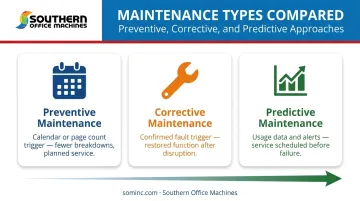
Maintenance professionals generally classify upkeep into three categories. Each one is defined by what triggers the work, not just what tasks get done.
Preventive Maintenance
This is scheduled, routine servicing performed on a set calendar, regardless of whether anything is currently wrong. Cleaning, part replacement, and inspections happen on a timeline designed to prevent failures before they occur.
As an example of how manufacturers set these intervals, HP rates the maintenance kits for its LaserJet Enterprise MFP E6255xx and MFP M63x series at a life of up to 225,000 pages between services. That's a manufacturer-defined preventive interval, not a guess.
Corrective (Reactive) Maintenance
This happens after something has already broken. A jam, an error code, a component failure. Corrective maintenance gets the machine back to working order, but it comes with a catch: the disruption already happened by the time anyone calls for service.
Predictive Maintenance
Predictive maintenance uses usage data and monitoring tools to anticipate problems before they cause a failure. Managed print services often track toner levels, page counts, and error patterns across an entire equipment fleet.
This is the most proactive of the three approaches, but it requires monitoring infrastructure. Without data flowing in from the device, there's nothing to predict from.
| Type | Trigger | Typical Outcome |
|---|---|---|
| Preventive | Calendar or page count | Fewer breakdowns, planned service |
| Corrective | Confirmed fault | Restored function, after disruption |
| Predictive | Usage data and alerts | Service scheduled before failure |
Standard Procedures for Office Equipment Maintenance
A basic maintenance checklist doesn't need to be complicated. Most routine care falls into a few categories:
- Clean and dust internal components — rollers, glass surfaces, and feed paths accumulate debris that affects print quality and paper handling.
- Check toner, ink, and paper supply levels — running dry mid-job is avoidable with regular checks.
- Inspect cables and connections — including power cords, since damaged cords are a documented fire risk.
- Apply firmware and software updates — these patch bugs and close security vulnerabilities.
Beyond the checklist itself, two habits separate well-maintained fleets from neglected ones:
- Keep a maintenance log or asset register — track service history, repairs, and part replacements for each machine.
- Spot problem patterns early — logs reveal machines that need service more often than expected.
- Set a usage-based schedule — high-volume MFPs may need monthly attention, while a lightly used fax machine can go quarterly.
- Avoid one-size-fits-all calendars — they waste effort on low-use machines and under-serve high-use ones.
Southern Office Machines structures its maintenance agreements this same way, offering monthly, quarterly, or annual plans matched to actual machine usage.
DIY vs. Professional Office Equipment Maintenance
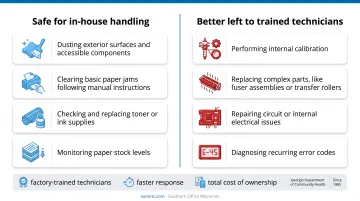
Some maintenance tasks are safe for in-house staff. Others genuinely need a trained technician.
Safe for in-house handling:
- Dusting exterior surfaces and accessible components
- Clearing basic paper jams following manual instructions
- Checking and replacing toner or ink supplies
- Monitoring paper stock levels
Better left to trained technicians:
- Performing internal calibration
- Replacing complex parts, like fuser assemblies or transfer rollers
- Repairing circuit or internal electrical issues
- Diagnosing recurring error codes
A professional service agreement adds value beyond just fixing what's broken. It typically includes factory-trained technicians, faster response when something does go wrong, and a full evaluation of total cost of ownership, so you're not guessing whether repair or replacement makes more financial sense.
Southern Office Machines has served Metro Atlanta and Marietta businesses since 1985 with exactly this kind of support. Our Business-to-Technology approach starts by understanding how your equipment fits into your actual workflow, not just fixing symptoms as they appear.
Every service technician on our team is factory-trained. Our maintenance agreements, offered monthly, quarterly, or annually, are built around your equipment's real usage patterns rather than a generic schedule.
For clients in regulated fields like healthcare and government, that matters even more. Our work with the Georgia Department of Community Health reflects the kind of dependable, compliance-aware service that public-sector and healthcare organizations require. If your team is tired of reacting to breakdowns instead of preventing them, contact Southern Office Machines for a maintenance consultation.
Frequently Asked Questions
What is office equipment maintenance?
It's the routine and as-needed care of business machines like copiers, printers, and MFPs. This care includes cleaning, part replacement, and inspections that keep them functioning reliably and efficiently.
What are the three types of equipment maintenance?
Preventive maintenance follows a set schedule, corrective maintenance responds to a fault after it happens, and predictive maintenance uses monitoring data to anticipate issues before they cause failure.
What are standard procedures for maintenance of office equipment?
Standard procedures include cleaning and dusting components, checking toner and paper supplies, inspecting cables and connections, and applying firmware updates, along with scheduled professional servicing.
How often should office equipment be maintained?
It depends on the machine and how heavily it's used. A high-volume copier needs far more frequent attention than an occasionally used fax machine or scanner.
What happens if office equipment isn't properly maintained?
Neglected equipment breaks down more often, requires costlier emergency repairs, and wears out faster. These failures disrupt document workflows and can stall employee productivity for hours at a time.
Should I handle equipment maintenance in-house or hire a professional?
Basic tasks like dusting, clearing jams, and checking supplies are fine for in-house staff. Complex servicing, calibration, and repairs benefit from factory-trained technicians for reliability and cost control.